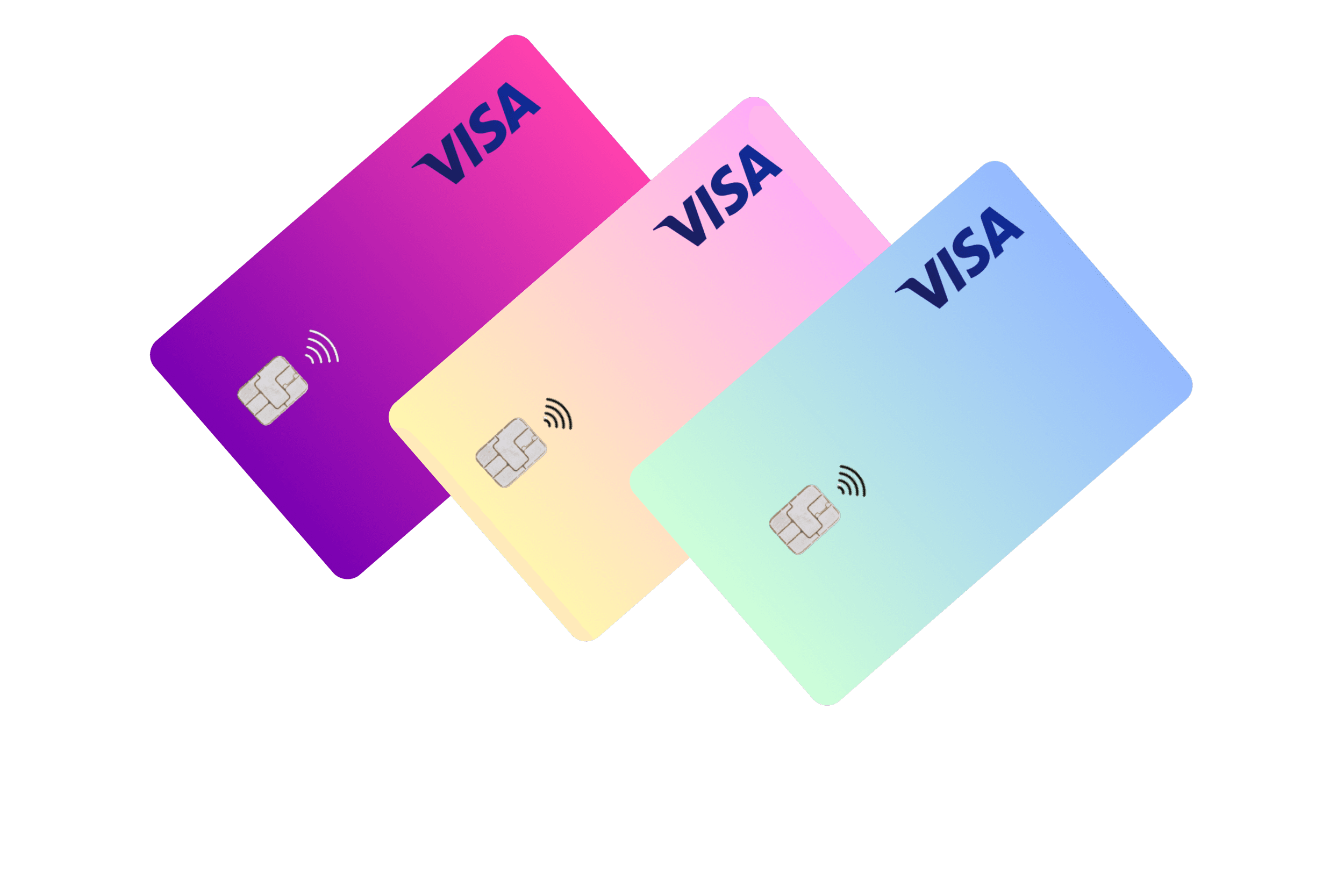

How to Use a Virtual Visa Card for Facebook & Google Ads Payments

Running ads on platforms like Facebook and Google requires a reliable and secure payment method. But traditional bank cards often fail due to international restrictions, fraud detection, or daily limits.
That’s where virtual Visa cards — especially from platforms like VextaPay — become a game-changer.
In this post, we’ll walk you through how to use a virtual card for ad payments, and why it’s the best option for marketers, agencies, and business owners.
📲 Why Use Virtual Cards for Ads?
Whether you're a freelancer, media buyer, or e-commerce owner, running paid ads means you need:
A trusted payment method
Full control over spending
Protection from suspicious transaction flags
Seamless account replacement when scaling campaigns
✅ Virtual Visa cards offer all of that — and more.
🔎 Benefits of Using a Virtual Visa Card for Ad Payments
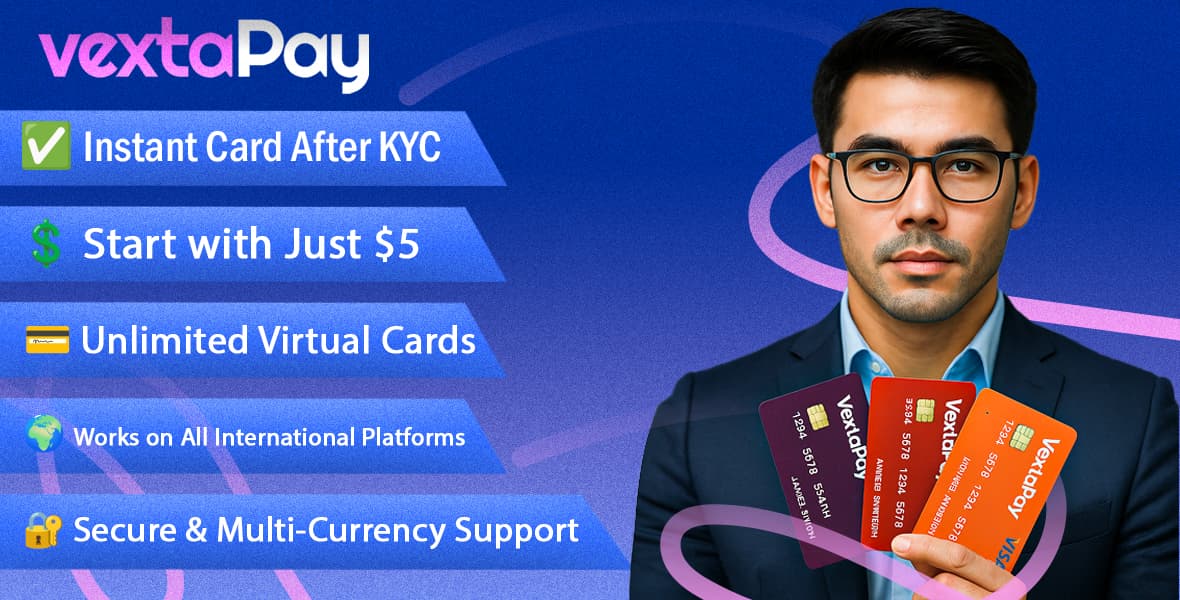
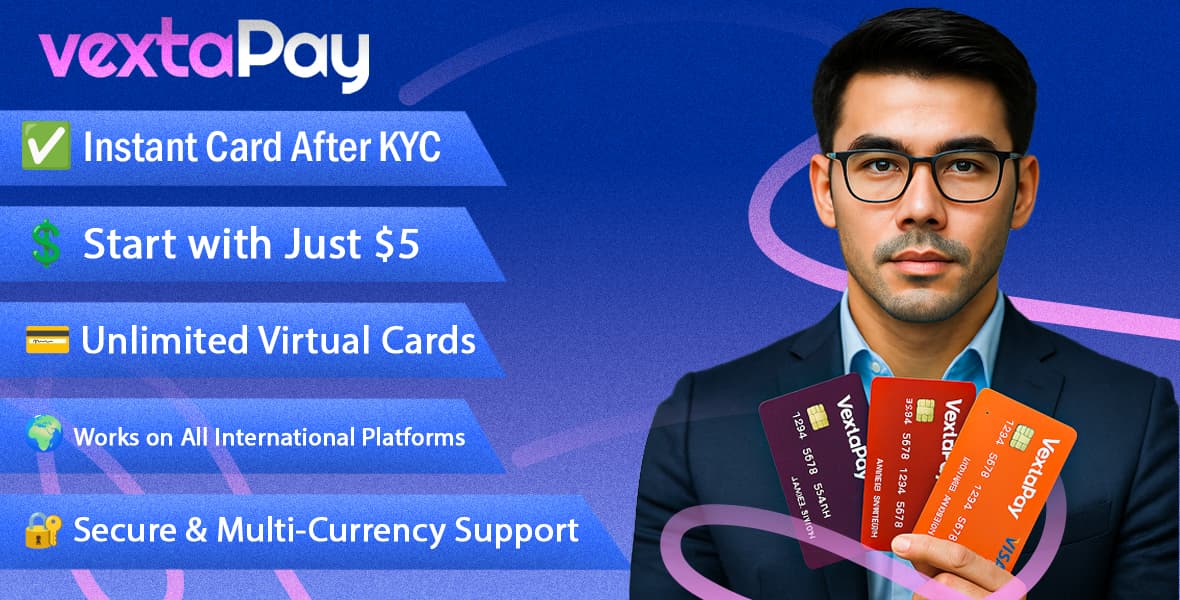
✅ Instant Card Creation – No bank approval or long wait
🔐 More Secure – Avoid sharing your main card details
💼 Budget Control – Set daily/monthly spend limits
🧨 Avoid Card Blocks – Replace cards quickly if flagged
💳 Separate Cards per Client/Ad Account – Ideal for agencies
With VextaPay, you can generate unlimited cards, each tied to a different campaign or client.
🧰 Step-by-Step: How to Add a Virtual Visa Card to Facebook Ads Manager
Go to Facebook Ads Manager
Click on Payment Settings
Select “Add Payment Method”
Choose Credit or Debit Card
Enter your VextaPay virtual Visa card details
Click Save and you're ready to run ads!
💡 Tip: Set your VextaPay card limit based on your daily ad budget.
💡 How to Add a Virtual Visa Card to Google Ads
Log in to Google Ads
Click on Billing > Settings
Under Payment Methods, click “Add”
Choose Credit/Debit Card
Input your VextaPay virtual Visa card info
Save changes — and you’re good to go!
⚠️ Common Mistakes to Avoid
❌ Using the same card across too many ad accounts (can trigger flags)
❌ Not setting spend limits (risk of overspending)
❌ Forgetting to track renewals or expiry dates
✅ With VextaPay, you can track all card activity in real-time and delete/freeze cards anytime.
🎯 Why Marketers Prefer VextaPay
VextaPay gives you the tools to scale ad campaigns without worrying about payment blocks:
🔐 KYC-secured account for legitimacy
💳 Create unlimited Visa cards instantly
🌍 Works internationally (USD, EUR, etc.)
💸 Only $5 USD to start and Renew $10 USD
🧾 Perfect for Google Ads, Facebook Ads, TikTok Ads, and more
🚀 Final Words
If you're serious about digital marketing, a virtual Visa card is no longer optional — it’s essential. With VextaPay, you get the speed, security, and control needed to succeed in paid media.
👉 Sign up today and start scaling your ad campaigns without payment headaches.
🔗 Visit VextaPay